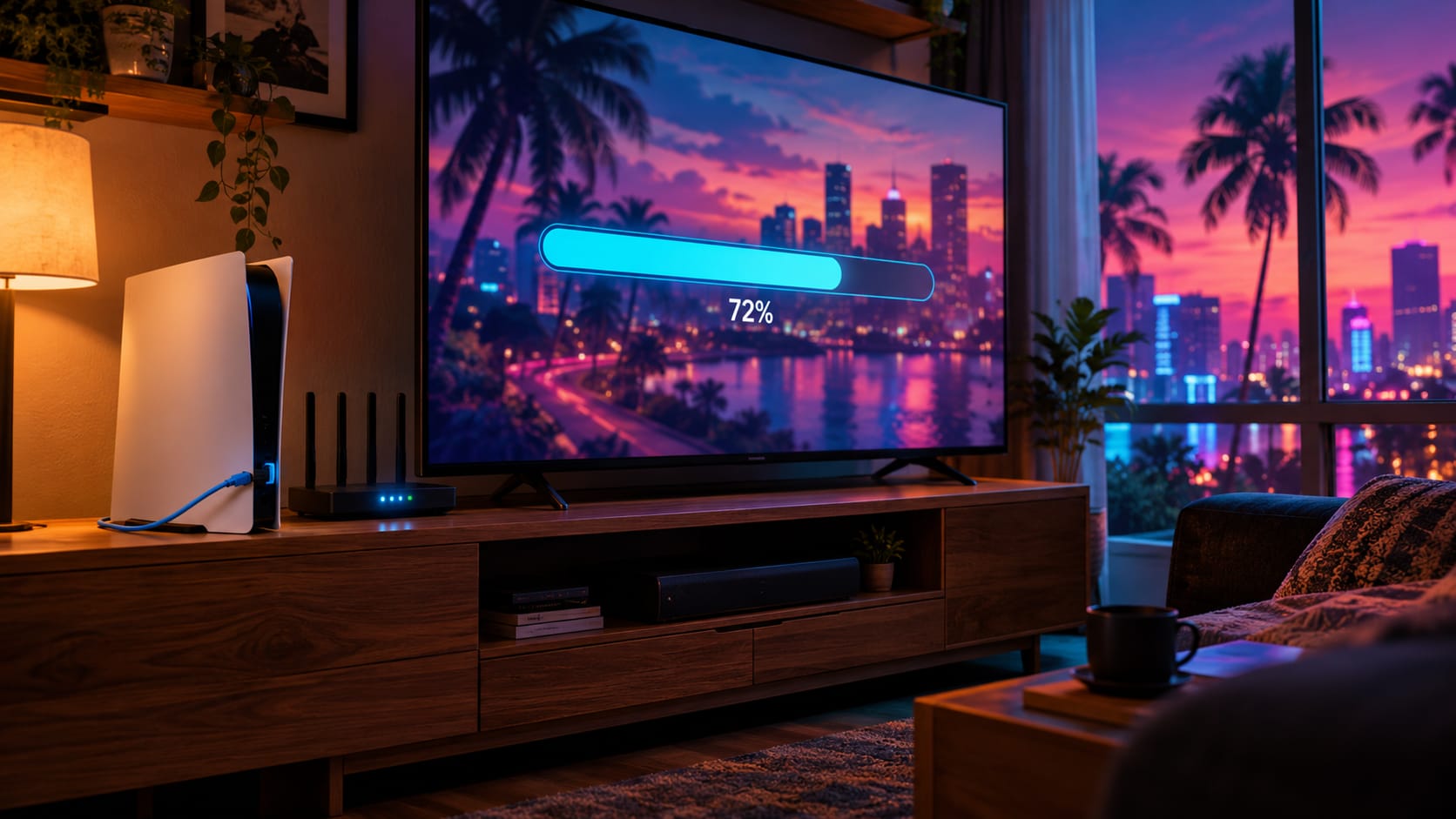
Quick answer: GTA 6 pre-loading opens on November 12, 2026, a week before the game unlocks on November 19. Rockstar hasn't revealed the download size yet, but planning for 150–200 GB is sensible. On a typical 100 Mbps Indian fibre plan, that's roughly 4 to 5.5 hours of downloading. Before you start, check your plan's monthly data limit (FUP), free up at least 250 GB on your console, and download over a wired connection overnight.
Every big game launch has the same story in India. The game unlocks at midnight, but half the country is still staring at a download bar that says 47%. GTA 6 will be the biggest download most of us have ever done on a console, and Indian broadband comes with its own problems: fair usage limits, Wi-Fi that drops in the next room, and consoles that are already full.
This guide fixes all of that, step by step, so you're playing on day one instead of waiting.
Important GTA 6 Dates for Indian Players
- Pre-load starts: November 12, 2026 (for digital pre-orders, confirmed by Rockstar)
- Launch: November 19, 2026 on PS5 and Xbox Series X|S
- PC version: not announced; a recent report points to early 2027
- Price in India: ₹5,999 (Standard) and ₹7,499 (Ultimate) on PlayStation Store and Xbox Store
Pre-loading means you can download the full game early. It stays locked until launch, then you just press play. If you only buy on launch day, you lose this head start.
How Big Is the GTA 6 Download?
Rockstar has not announced an official size. A leaked development build was reported to be over 200 GB, but development builds usually include extra files that don't ship, so the final download may be smaller.
For comparison, Red Dead Redemption 2, Rockstar's last big game, needed about 105 GB on PS4 at launch. GTA 6 is bigger in every way.
Our advice: plan for 150–200 GB, and keep about 250 GB free so there's room for the day-one patch too. The real size will appear on the PlayStation Store and Xbox Store listing before pre-load opens, so check it again around November 10.
How Long Will It Take on Your Internet Plan?
Here's a realistic estimate. We assumed your console gets about 80% of your plan's speed, which is normal for a good wired connection. Wi-Fi can be slower.
| Your plan speed | 150 GB download | 200 GB download |
|---|---|---|
| 40 Mbps | about 10.5 hours | about 14 hours |
| 100 Mbps | about 4 hours | about 5.5 hours |
| 300 Mbps | about 1.5 hours | about 2 hours |
| 1 Gbps | about 25–45 minutes | about 35–60 minutes |
On launch week, PlayStation and Xbox servers are busy, so your real speed may drop for a few hours. This is exactly why pre-loading on November 12 helps: you avoid the rush completely.
Step 1: Check Your Data Limit (FUP) Before You Download
This is the step most people skip, and it's the one that hurts most.
Many "unlimited" broadband plans in India actually have a Fair Usage Policy (FUP). Once you cross a monthly limit, your speed drops sharply, sometimes to just a few Mbps. A 200 GB game plus a day-one patch can push you close to the limit, especially if your family also streams Netflix and YouTube in 4K.
How to check:
- Open your internet provider's app (JioFiber, Airtel Thanks, ACT, BSNL or your local provider).
- Look for data usage or plan details.
- Note how much data you've used this month and what your FUP limit is.
- If you're close to the limit, download right after your billing cycle resets, or buy a data top-up first.
Can You Download GTA 6 on Mobile Data or a Hotspot?
It's possible, but we don't recommend it. Even "unlimited" 5G plans usually have fair-use limits, and hotspot use may be capped separately. Downloading 150 GB or more on mobile data can also heat your phone for hours. Use it only as a last resort for the smaller day-one patch.
Step 2: Free Up Space on Your Console
Consoles have less usable space than the box says, because the system software takes up room.
| Console | Advertised storage | Usable space (approx.) |
|---|---|---|
| PS5 (original) | 825 GB | about 667 GB |
| PS5 Slim | 1 TB | about 848 GB |
| Xbox Series X | 1 TB | about 802 GB |
| Xbox Series S (512 GB) | 512 GB | about 364 GB |
Xbox Series S owners, take note: with about 364 GB usable, GTA 6 alone could take more than half your drive. Start clearing space now.
Easy ways to make room
- Delete games you've finished. Your save files stay in the cloud (with PS Plus or Xbox Game Pass Core/Ultimate) and your purchases stay in your library.
- Move games to a USB hard drive. Both PS5 and Xbox can store games on an external USB drive and move them back later. This is often faster than downloading again.
- Upgrade storage if you need to. The PS5 supports an extra M.2 SSD. Pick a PCIe Gen 4 drive with a heatsink and a read speed of around 5,500 MB/s. Xbox Series consoles use official Storage Expansion Cards.
Step 3: Set Your Console to Download While You Sleep
You don't need to keep the console fully on all night.
On PS5:
- Go to Settings → System → Power Saving → Features Available in Rest Mode.
- Turn on Stay Connected to the Internet.
- Start the download, then put the PS5 in Rest Mode.
On Xbox Series X|S:
- Go to Settings → General → Power options.
- Choose Sleep (not Shutdown/energy saving), so downloads keep going in the background.
Tip: Check that automatic downloads are turned on, so the day-one patch installs on its own before launch.
Step 4: Get the Fastest Speed Out of Your Connection
Small changes can cut hours off your download.
- Use a LAN cable. A wired connection is the single biggest speed boost. A cheap Cat 6 cable from your router to the console can easily double your speed compared to weak Wi-Fi.
- If you must use Wi-Fi, use 5 GHz. Keep the console close to the router, with as few walls in between as possible.
- Pause other downloads. Stop phone backups, PC updates and 4K streaming while the game downloads.
- Download late at night. Indian home networks are usually less busy after midnight.
- Restart your router once before starting. It clears up slowdowns from long uptime.
- Run your console's network test. On PS5, go to Settings → Network → Connection Status → Test Internet Connection. If the speed is far below your plan, the problem is your Wi-Fi or router, not Sony's servers.
What to Do If the Download Gets Stuck
Big downloads sometimes freeze at one percentage. Try these in order:
- Pause and resume the download from the Downloads/Uploads screen.
- Restart the console fully (not Rest Mode), then resume.
- Restart your router.
- Check free space. Installing needs extra room temporarily, so keep at least 50 GB more than the game size.
- PS5 only: if it's still stuck, boot into Safe Mode and choose Clear Cache and Rebuild Database. This doesn't delete your games or saves.
Buying the Physical Disc? You Still Need to Download
Even if you buy a disc, modern games install a large part of the data and then download a day-one patch. Some reports also suggest the disc may arrive later than launch day. If you want to play at midnight on November 19, a digital pre-order with pre-load is the safest choice.
Your GTA 6 Launch Checklist
- Pre-order digitally before November 12 to unlock pre-load
- Check your broadband data usage and FUP limit
- Free up at least 250 GB on your console
- Turn on downloads in Rest Mode (PS5) or Sleep mode (Xbox)
- Connect the console with a LAN cable, or move it close to the router
- Check the official download size on the store listing around November 10
- Start the pre-load on the night of November 12
And since GTA lives on its sound, from radio stations to traffic noise, a decent headset makes a real difference. Check our picks for the best gaming headphones under ₹3,000 in India. Planning to wait for the PC version instead? Our look at the Dell Alienware 15 with RTX 5060 is a good place to start.
Frequently Asked Questions
When can I pre-load GTA 6 in India?
Pre-loading starts on November 12, 2026, for players who pre-ordered the digital version. The game unlocks on November 19, 2026.
How many GB is GTA 6?
Rockstar hasn't confirmed it yet. Plan for 150–200 GB and keep about 250 GB free to include the day-one patch. The exact size will appear on the store listing before pre-load opens.
How long does it take to download GTA 6 on 100 Mbps?
About 4 to 5.5 hours for a 150–200 GB download on a stable wired 100 Mbps connection. Wi-Fi and busy launch-week servers can make it slower.
Will downloading GTA 6 use up my broadband data limit?
It can. If your plan has a Fair Usage Policy, a 200 GB download plus patches may push you close to it. Check your usage in your provider's app before you start.
Can I play GTA 6 while it's still downloading?
Usually not for a game this size. Plan for the full download to finish before you can start. That's why pre-loading early is so useful.
Is 512 GB enough for GTA 6 on Xbox Series S?
It should fit, but it will use a large part of the roughly 364 GB of usable space. You'll probably need to delete or move other games first.
Final Word
The game won't wait for your download bar, but you can make sure your download doesn't wait either. Check your data limit, clear your storage, plug in a LAN cable and start the pre-load on November 12. Do that, and you'll be driving through Vice City at midnight while everyone else is still at 47%.
We'll update this guide as soon as Rockstar confirms the official download size.